Adjust scaling from the graph
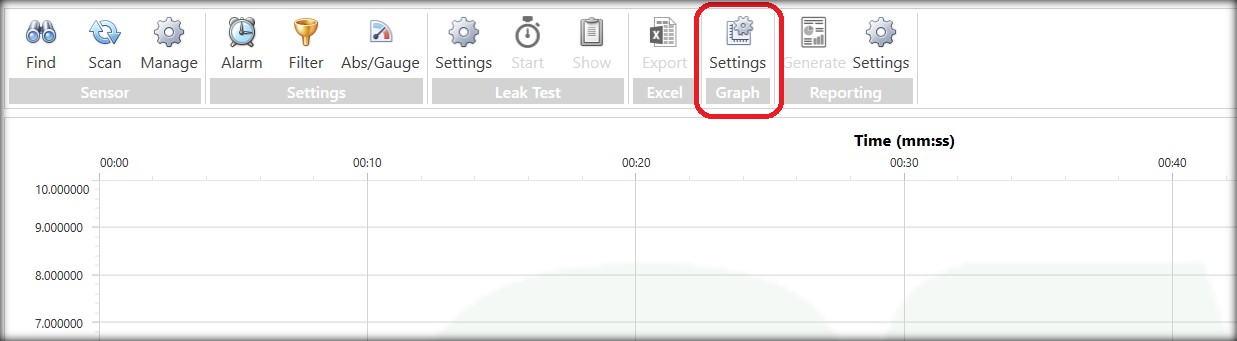
To change the settings for the graphics on the screen, simply click on the graphics settings icon on the screen.
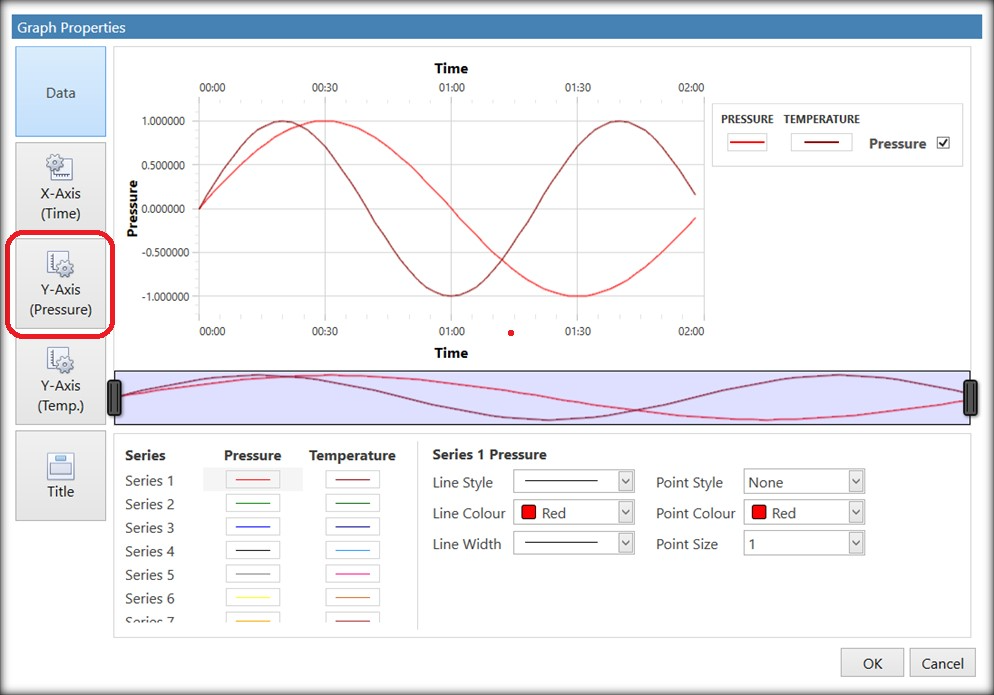
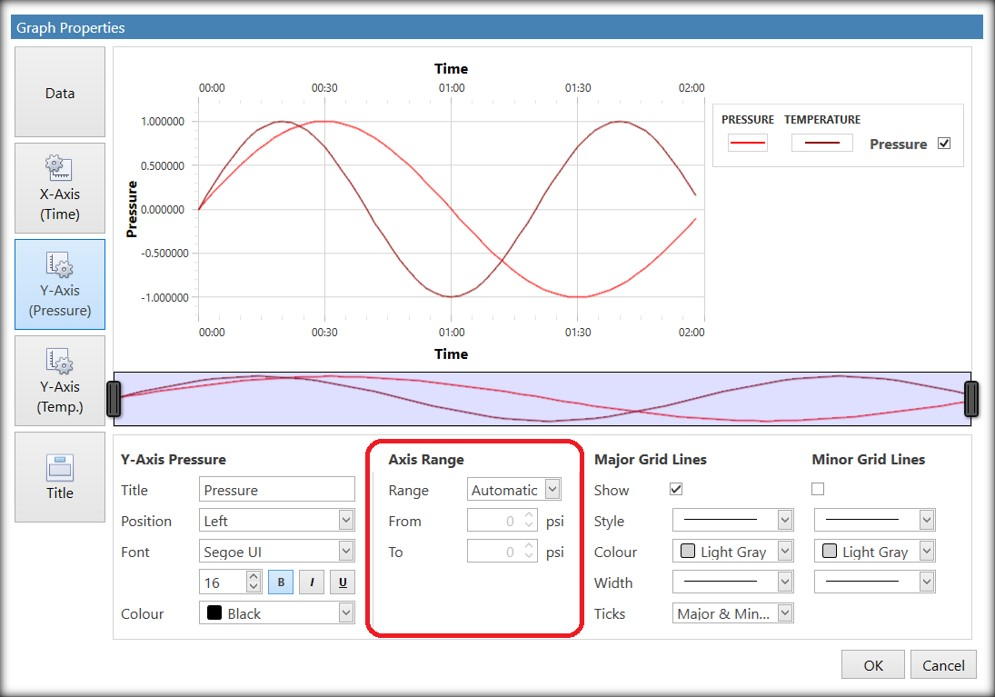
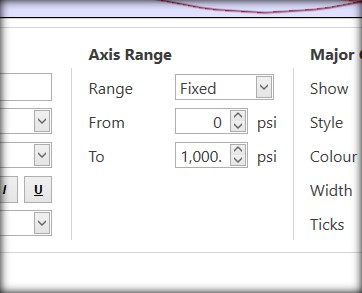
And alter to the required range...
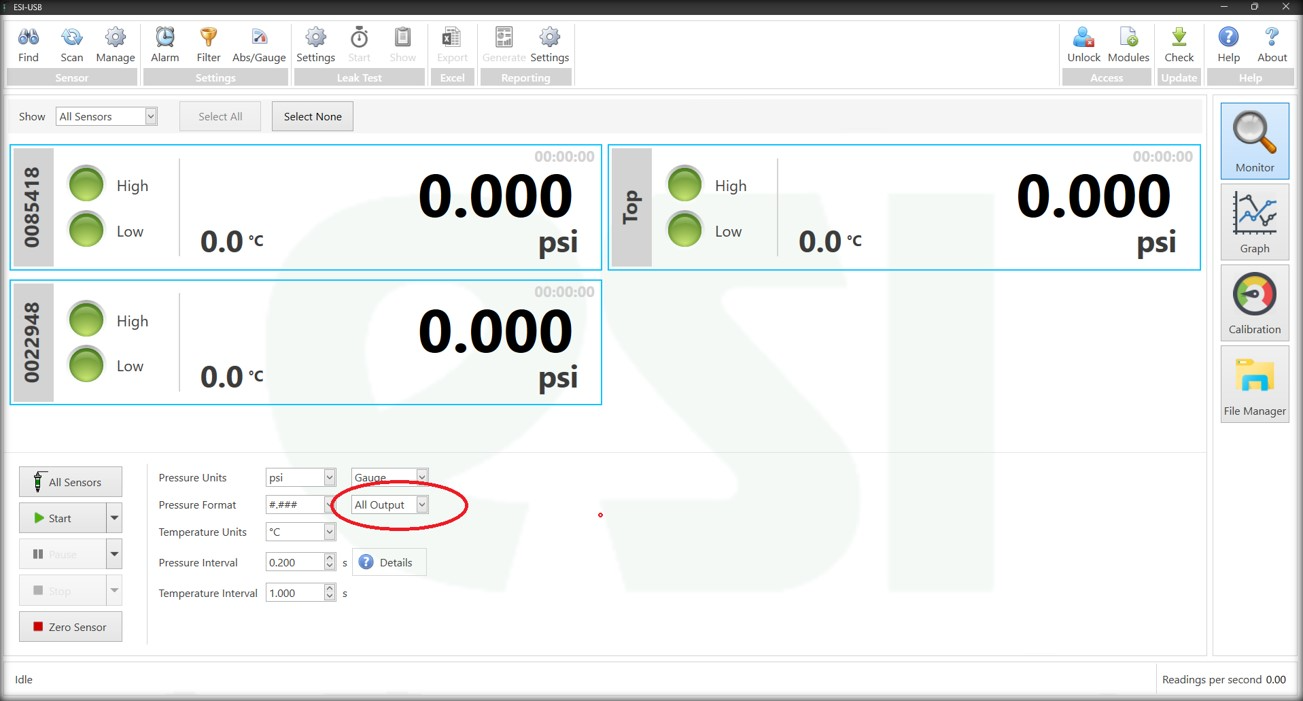
To ensure the printed report has the same format, ensure that on the Monitor Screen "All Output" is selected.
Was this article helpful?
That’s Great!
Thank you for your feedback
Sorry! We couldn't be helpful
Thank you for your feedback
Feedback sent
We appreciate your effort and will try to fix the article