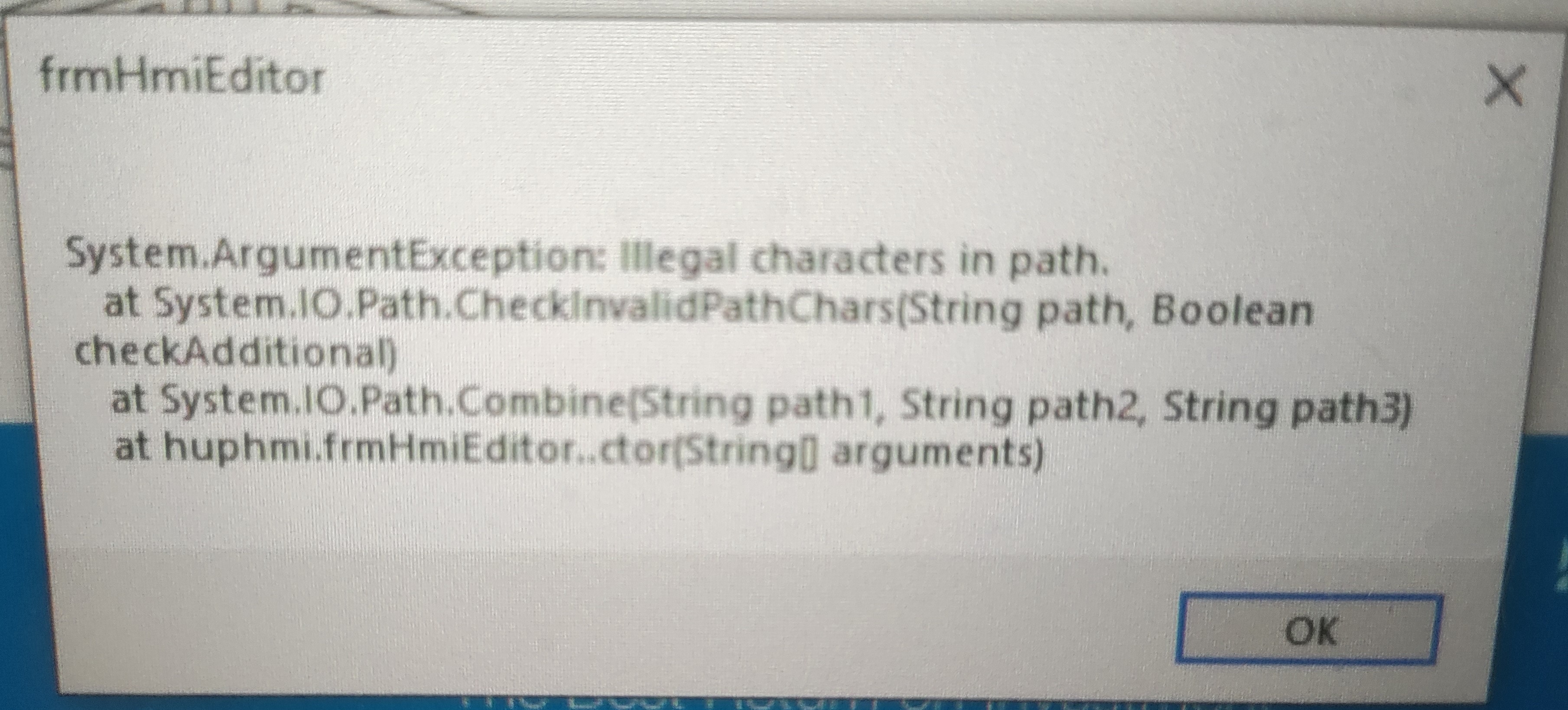
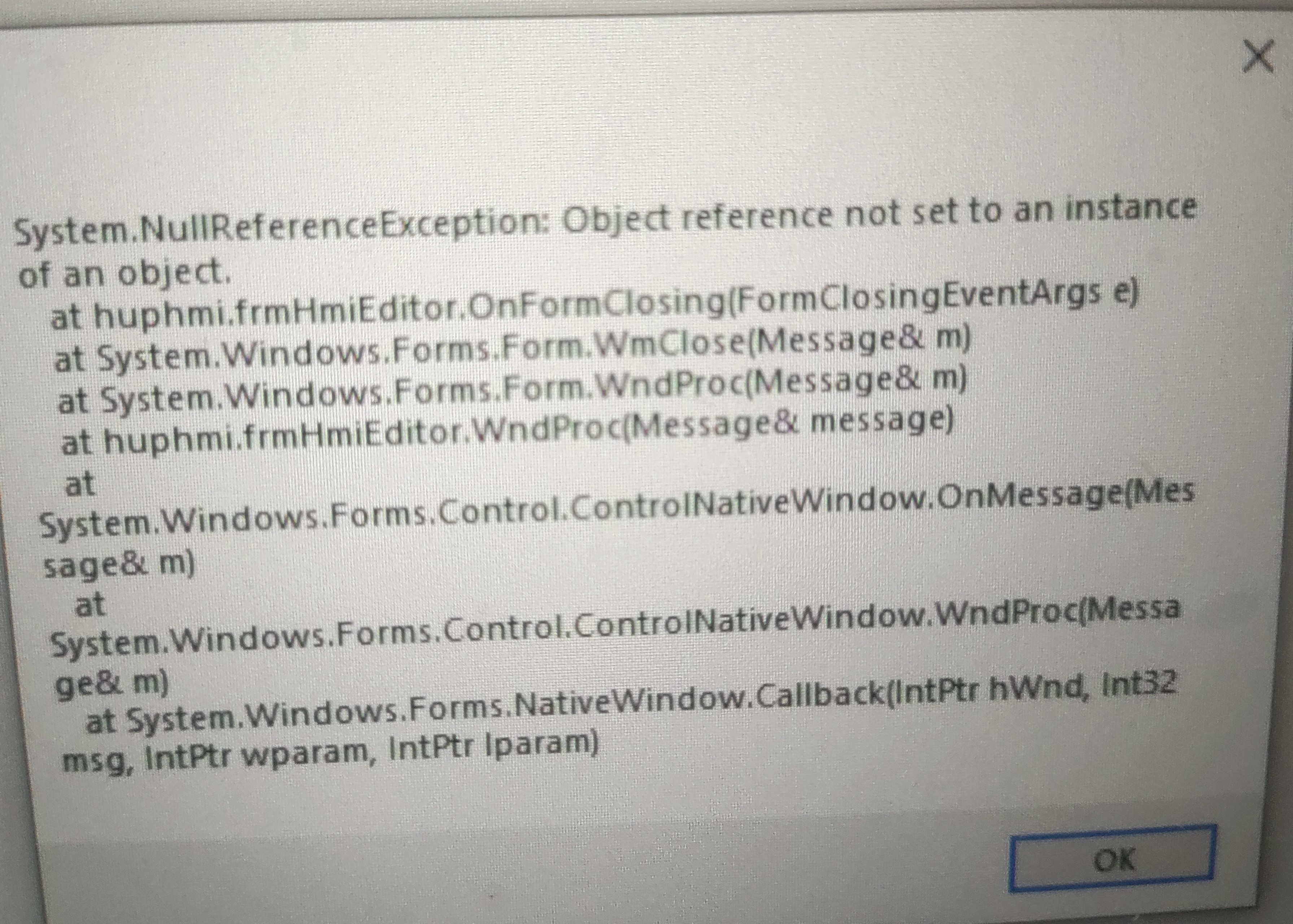
The error message "Illegal characters in path" says that the file "startup.txt" is corrupted.
The file startup.txt in the directory C:\uniflex\crimper has the following content.

The file should either not exist so that the "first start theme" is loaded or contain the theme to be loaded. E.g. Uniflex_IPC.xml
First solution:
Delete the file C:\uniflex\crimper\startup.txt on the IPC.
Then comes the menu to switch on the machine for the first time.
Second solution:
Below you will get the link for all files.
Download these files and copy them to a USB stick.
Then plug this USB stick to the machine.
USB will be recognized automatically.
Copy the folder "uniflex" and go to Windows Explorer.
There is also a uniflex folder in the C drive. Copy the copied folder to C and overwrite it.
After copying remove the USB stick and restart the machine.
Here is the link for the files:
Was this article helpful?
That’s Great!
Thank you for your feedback
Sorry! We couldn't be helpful
Thank you for your feedback
Feedback sent
We appreciate your effort and will try to fix the article