Problem:
It occasionally happens that the B+ touch control #### is displayed.
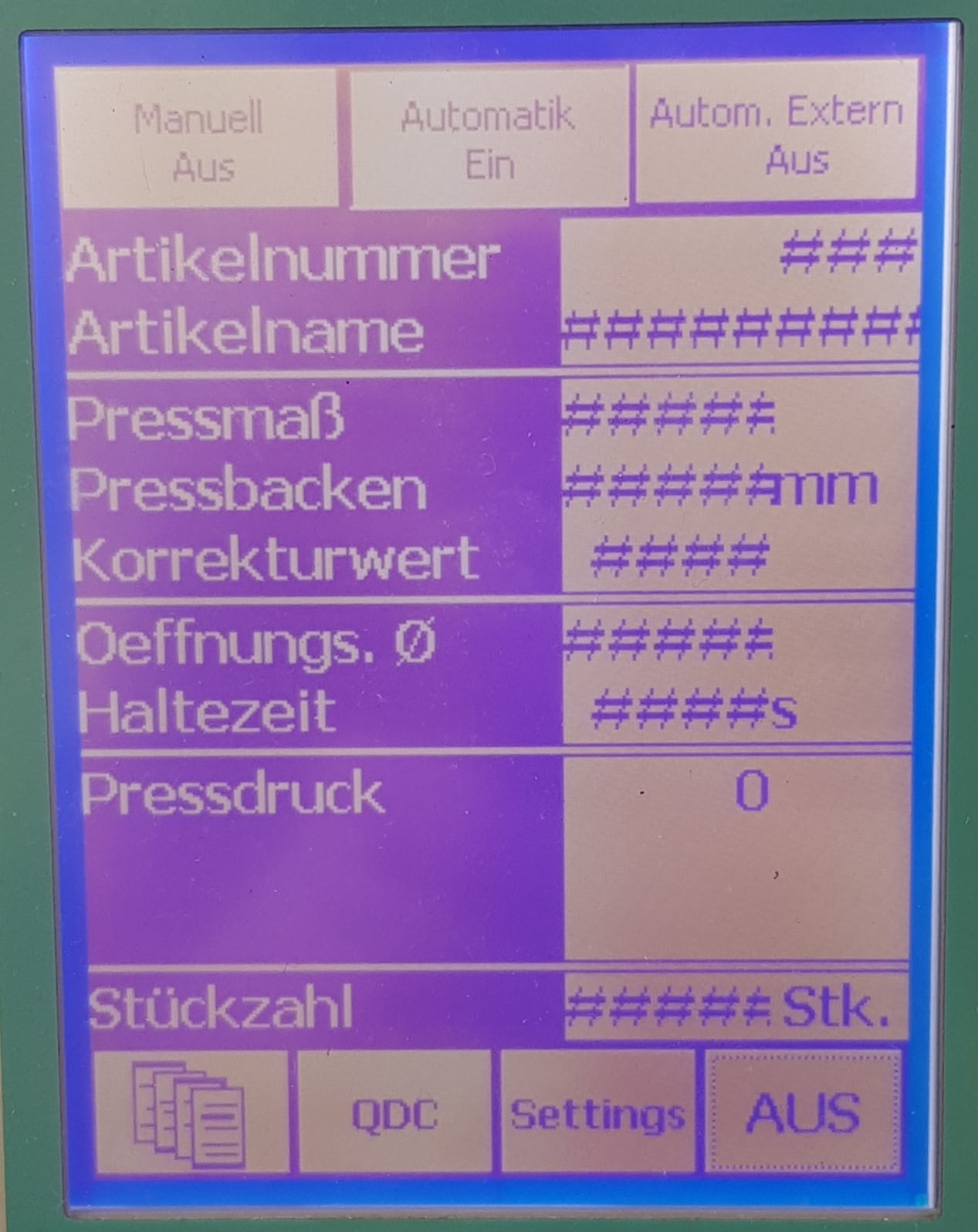
This may be due to the following reasons:
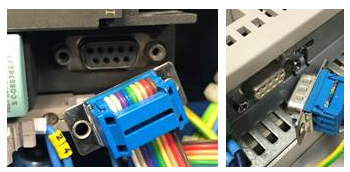
- No connection from touch panel to CPU. Check connection cable and fix or replace if necessary.
- In the power cable or at the main switch, "N" (neutral phase) is assigned to a phase (L1, L2, L3). Check power cable / main switch assignment, if necessary assign phases correctly (L1, L2, L3, N and PE / GRD).
- The voltage at the CPU is too low. There are no 24V at the CPU, therefore wrong values. Measure the output side of the transformer with a multimeter and replace the transformer if necessary.
- The green LED (RUN) of the CPU does not light up. Program faulty / CPU defective Install the program again / install a new CPU
Was this article helpful?
That’s Great!
Thank you for your feedback
Sorry! We couldn't be helpful
Thank you for your feedback
Feedback sent
We appreciate your effort and will try to fix the article