Problem:
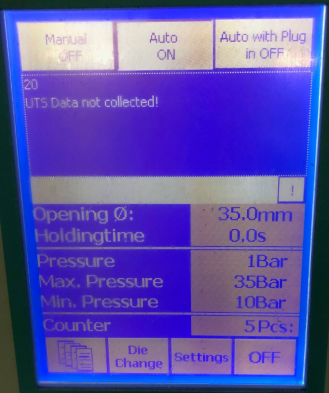
Error Code: 20 – UTS Data not collected! (this message shows when you hold down the die close button)
Solution:
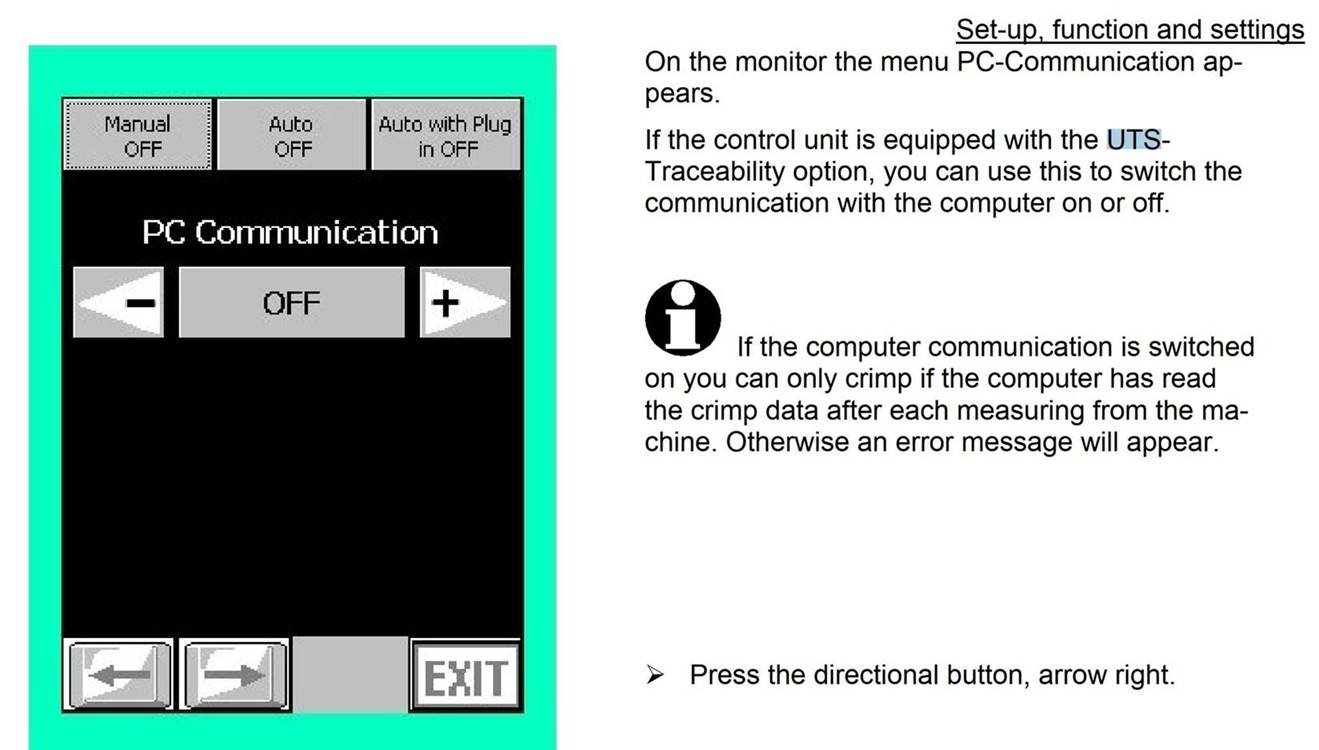
If you don’t connected a UTS, you must set the switch to OFF.
If the UTS is connected, you has to check on the PC on which UTS is running to see what kind of error message is there and remove it so that UTS can fetch the data.
See manual B+ Touch on page 3-20.
Was this article helpful?
That’s Great!
Thank you for your feedback
Sorry! We couldn't be helpful
Thank you for your feedback
Feedback sent
We appreciate your effort and will try to fix the article